












Christophe bourtourault
- Back to top
- Description
- Documentation
- Features
- Customer reviews
- Video gallery
Description
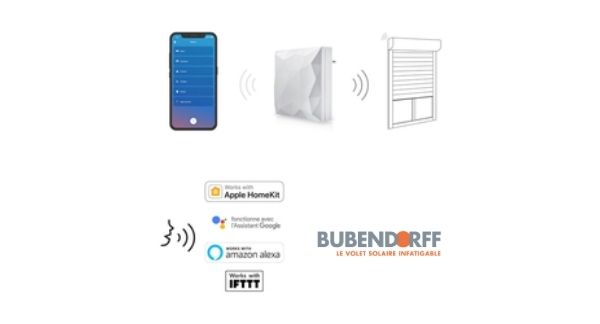
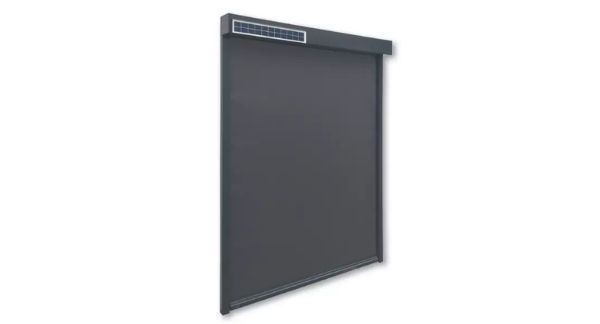
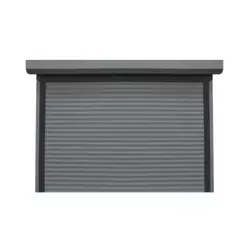
Legrand's iDiamant with Netatmo lets you control your Bubendorff roller shutters remotely.
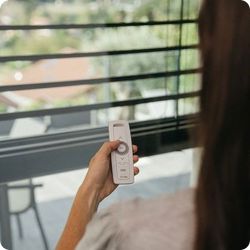
The iDiamant with Netatmo module allows you to open and close your Bubendorff roller shutters remotely via your smartphone. It's the simplest way to install home automation for a Bubendorff shutter.
Control your shutters even from thousands of kilometers away!
The system can also detect when you enter your home and automatically start opening the shutters, for example.
You can control the shutters of as many dwellings as you wish.
How can I check the compatibility of my roller shutter with iDiamant home automation?
Are you unsure if the roller shutters in your home can be controlled with iDiamant? We can check for you using your serial number.
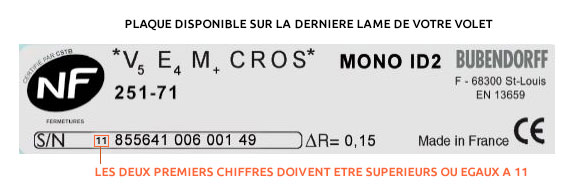
If you have any doubts, please provide us with the SN number (serial number) of your Bubendorff shutter.
iDiamond Evolution 2023
► Status feedback on the home+ Control app
Bubendorff has introduced a major update that further enhances the potential of iDiamant. This update includes the addition of a shutter status feedback function. This feature allows the user to remotely control the exact position of the roller shutter , represented by a cursor on the Legrand Home + Control app.
This status feedback feature applies to all shutters installed from 2020 onwards, with the exception of motorized hinged shutters and shutters with adjustable slats. These latter shutters will be included in a future update.
I access the article on the return state
► Compatibility and voice assistants
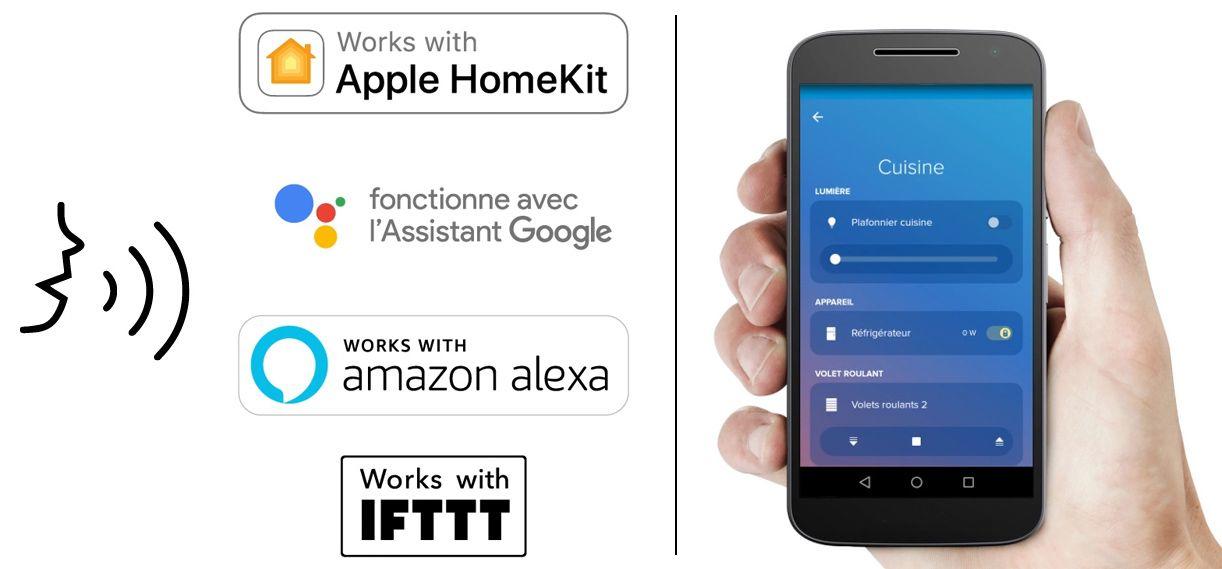
All voice assistants will be recognized with the new version of Home+ Control: Siri, Google, Alexa. This will also benefit all iDiamonds sold since 2020.
► Simplified installation
Setting up an iDiamant is simplified: it is done almost instantly since January 2023.
Program your opening/closing times for your Bubendorff shutters
Each of these steps is fully customizable, shutter by shutter and room by room on the Legrand Home + Control application.
You can create and configure up to 4 stages of the day: Bedtime, Wake-up, Arrival and Departure.
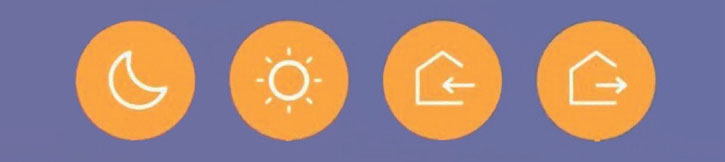
This allows you to perfectly control and adapt your installation to your habits and environment (especially sunlight).

How to control a Bubendorff roller shutter with your voice?
The iDiamant home automation box is compatible with all voice assistants such as Siri by Apple, Ok Google, Amazon Alexa .
Install the applicationion on your mobile and follow the guide to then ask your assistant to open and close your Bubendorff shutter.
How to install iDiamant with Netatmo home automation?
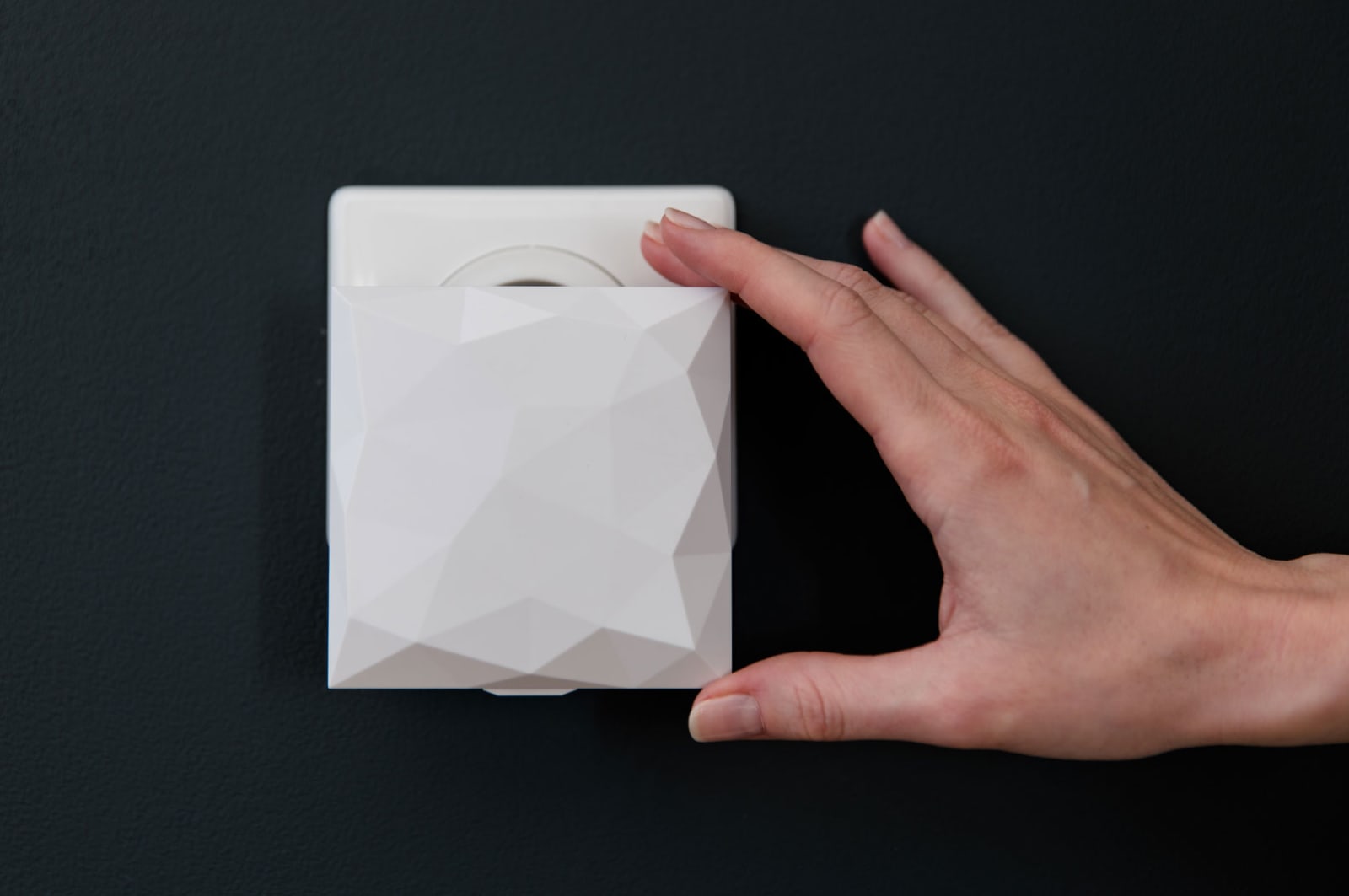
Installation is extremely simple. Just download the app for free from Google Play or the Apple Store.
Plug the iDiamant module into a power outlet.
You will find the complete Legrand video tutorial in the videos for this product.
You can then program your settings directly from your smartphone (minimum Android 5.0 or iOS 9). A Wi-Fi connection is required to activate everything.
The Home + Control by Legrand app is then compatible with other features to provide a complete home automation solution for your home.
By equipping your home with suitable products, you can therefore control your roller shutters, but also the lighting, manage energy, heat, etc.
iDiamant: How do I know if my motor or shutter is compatible?
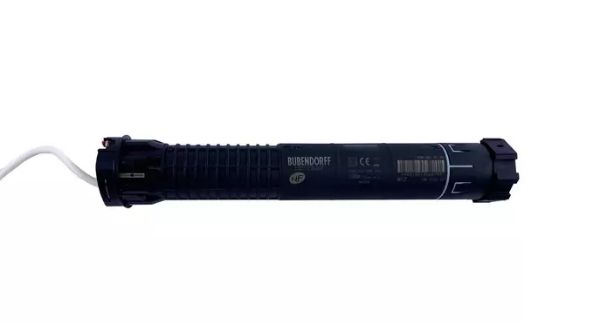
List of Bubendorff radio motors compatible with the iDiamant:
> Radio motor R, manufactured after 2011.
> ID2 radio motor,
> RG type group control motor after August 2013
> ID3 motors with adjustable blades
Motorization of SOLAR hinged shutters
List of radio shutters compatible with the iDiamant
ID2 radio shutters, Mono or Tradi range, manufactured from 2011 (compatibility to be verified) and all from 2013 onwards
ID + radio-controlled shutters, Mono or Tradi range with aluminum or adjustable slat curtains
Bubendorff ID3 SOLAR or standard shutters
If you have any doubts, please provide us with the SN (serial number) of your Bubendorff shutter so we can check it (free of charge).
FAQ about the iDiamant
Question : How do I reset my iDiamond?
Answer : It is possible to reset the iDiamant module by pressing the button for 20 seconds. You will then need to repeat the pairing procedure to add the different shutters.
Question : My iDiamant module is unable to connect to my smartphone, even though it is present on the Orange box?
Answer : You need to separate the 2.4 and 5 GHz wifi by going to the address 192.168.1.1.
This allows you to access your Orange box settings. You will need to enter the first 8 digits of your Wi-Fi key as your password if it is recent.
Then go to the wifi tab and separate 2.4 et 5 GHz (Option to check)
Question: Are there other home automation systems available for Bubendorff?
Answer: The Link key, associated with the Coviva/Hager ecosystem, is an alternative to the iDiamant.
Question : If I already own a Bubendorff clock, what should I do?
Answer : There's no need to disable it. The iDiamant's operation is added to the clock, acting as an additional control point. It doesn't replace it (you can have 4 control points per shutter).
Find our FAQ and the iDiamant installation guide in our advice section, as well as the iDiamant user manual in PDF format (October 2020 version).
Need help choosing your Bubendorff roller shutter accessory?
To receive free assistance in choosing your control system, our team is at your side.
Submit your request in just a few clicks. We'll get back to you within 24 hours.
Our customers are our best ambassadors for this product. Here are some reviews of the iDiamant :
"The Legrand Idiamant is perfect for controlling my Bubbendorf solar roller shutters via the app."
"After downloading the app, it's child's play to pair my 5 roller shutters; I can control my shutters via my smartphone. Before, I had to go around my house to open or close my shutters using each remote control."
"The application is very comprehensive with numerous combinations of roller shutter controls. I can control the shutters both from home and remotely.
I highly recommend this product, which makes using roller shutters much easier."
Features
Reviews
Questions sur les pièces détachées Bubendorff
A problem with your roller shutter? How can we help you?
Not sure which Bubendorff reference to choose? Ask our team (response in 30 minutes)
Video gallery
Video du iDiamant
Contrôlez facilement vos volets roulants depuis votre SMARTPHONE grâce au module iDiamant développé par Legrand et Bubendorff.
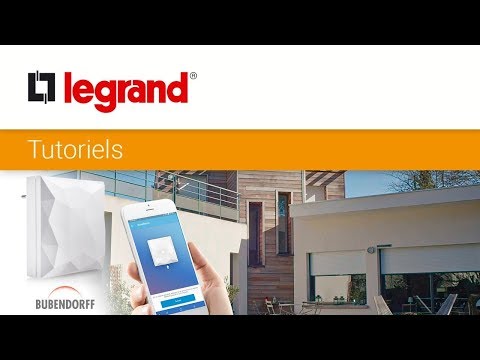
Tuto : comment contrôler vos volets Bubendorff
Découvrez ce Tuto Legrand qui vous explique comment plioter vos volets Bubendorff avec le module iDiamant